Log in to Canvas smartphone app Canvas Student
Page reviewed:
02/03/2026
Canvas student makes it easier to use Canvas from your smartphone. Here's how to log in to the app as a SLU student.
- Download the app Canvas by Instructure from Google Play or the App Store.
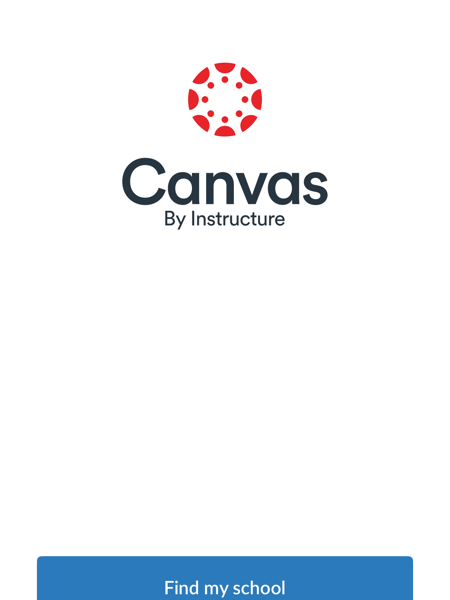
- Open the app and select "Find my school"
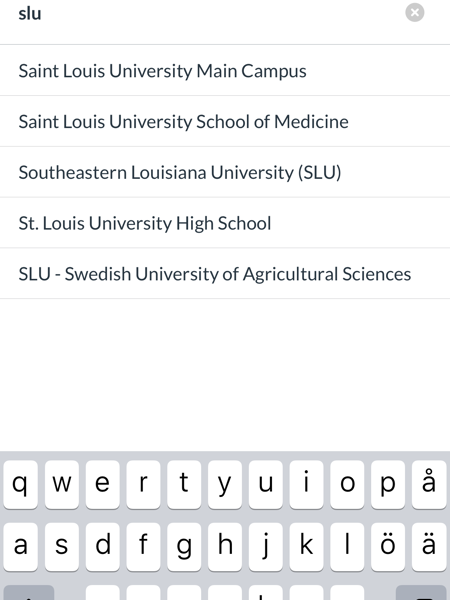
- Search for "SLU" and select "SLU-Swedish University of Agricultural Sciences".
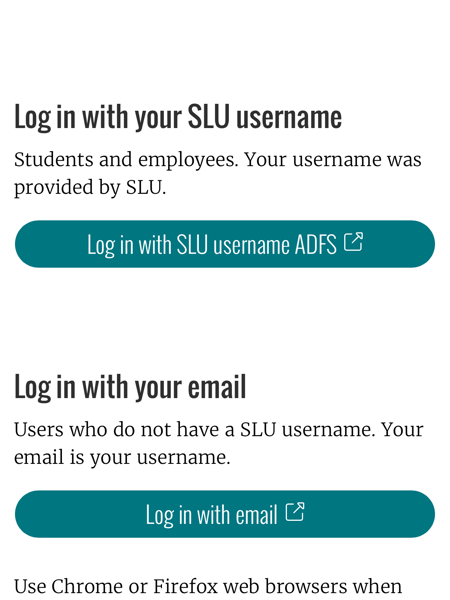
- Log in with your SLU account and accept that the user information will be transferred to SLU.
- Take part of the guides on how the app works.